
Bestseller
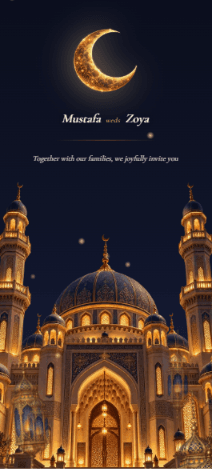
Raabta
- Wedding
A storybook Nikah invitation with moonlit arches, lanterns, scratch reveal, and elegant Islamic details in rich, romantic tones.
- Countdown
- Photo gallery
- Background music
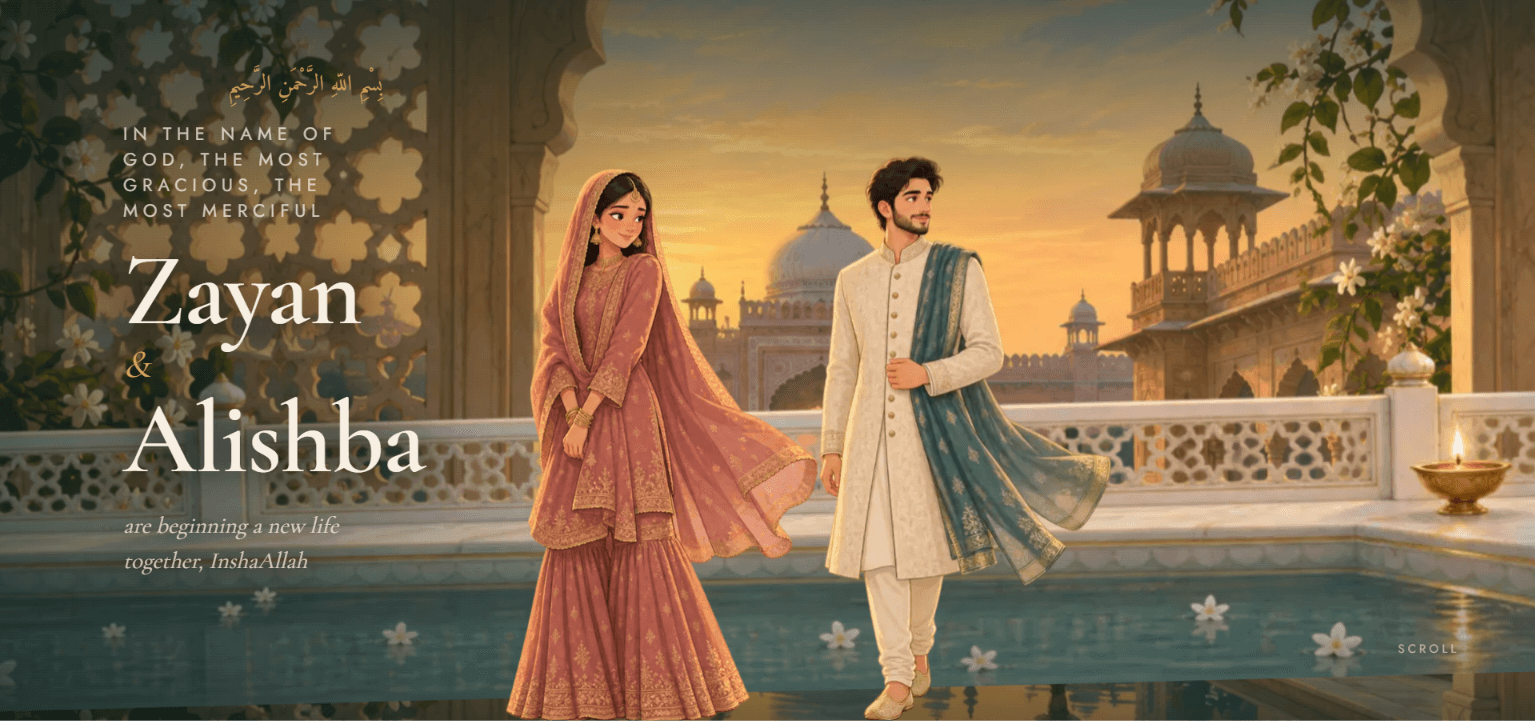
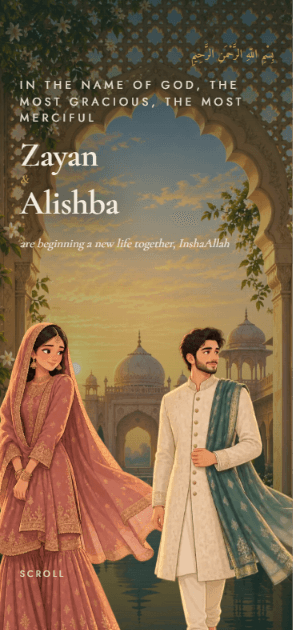
The demo is this invite filled with sample details, watermarked. Yours carries your own names and ceremonies.
Qubool opens like a doorway. Guests tap to enter beneath the Bismillah and step into eight hand-painted scenes that come alive as they scroll: carved jaali arches at dawn, a marble courtyard…
One payment. No subscription, no renewal.
Enter the names, the date, the venue and the events, and see this invite filled in with them. Free, with no account and no email address.
Qubool opens like a doorway. Guests tap to enter beneath the Bismillah and step into eight hand-painted scenes that come alive as they scroll: carved jaali arches at dawn, a marble courtyard hung with brass lanterns, a crescent moon at twilight, floating lanterns over the celebrations, and a starlit terrace to close the evening. Every scene moves in layered parallax, drawn in antique brass, deep courtyard green and dusty rose. It is designed as much for the phone in a guest's hand as for a desktop screen. It carries everything your guests need: your families and elders, every ceremony from Mangni to Walima with venues, timings and directions, a live countdown to the Nikah, and a place for guests to RSVP and leave their duas for you.
Read from this invite itself, so it matches what you receive.
No reviews for this invite yet. Reviews come from couples who bought it and finished their event.
A storybook Nikah invitation with moonlit arches, lanterns, scratch reveal, and elegant Islamic details in rich, romantic tones.
You confirm the names on your invitation at the first step of the builder, and they lock after that so they can't be changed by accident. Optional names, such as extended family, can still be edited. If a confirmed name needs correcting, raise a support ticket from your dashboard.
No, you build it yourself. The guided builder takes you through each step, and our support team is there if you get stuck, but we don't fill in or design the invitation for you. Contact support
Your invitation is live as soon as you publish it. How long it takes to get there depends on how much you add; most couples need about 15 minutes once their details are ready.
Most details, yes. Venues, ceremony dates and times, photos, music and other details can be edited from your dashboard at any time, and the live invitation updates straight away on the same link. Names are the exception: they lock once you confirm them at the first step, and a correction after that goes through a support ticket.
Your invitation stays live until 6 months after the date of your last event. If you move an event date, that end date moves with it.
No. You pay once per invitation, with no subscription or renewal. Your invitation stays live until 6 months after your last event.
Yes. When you publish, you can also create a second link that shows only the ceremonies you choose, for guests invited to the reception but not the wedding, say. It's included in the price, and you set it up yourself in the Preview & Publish step. Guests who open that link see, and RSVP to, only those ceremonies.
How setting up works · What you can change later · Every question