
New
Wedding Invites
- New
- New
- New
- New
- Bestseller
- Bestseller
- Popular
- Popular
- Trending
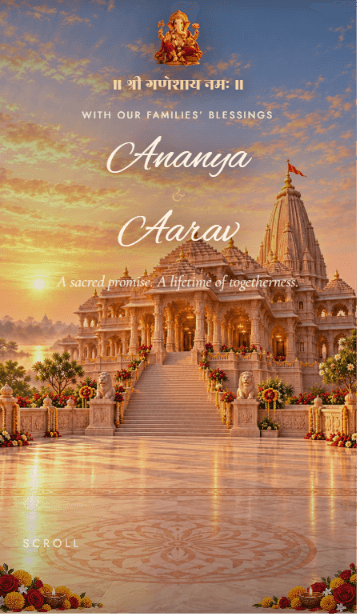
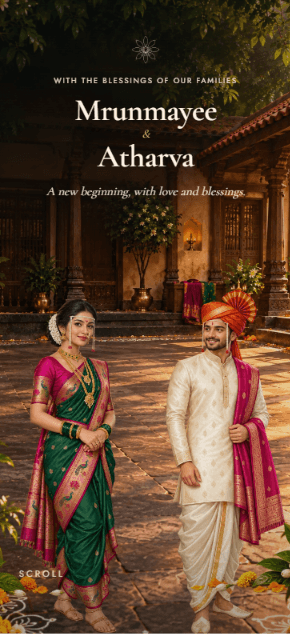
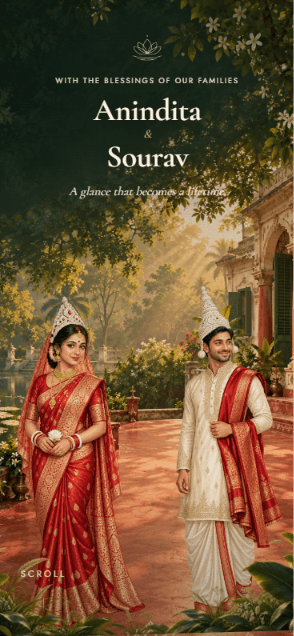

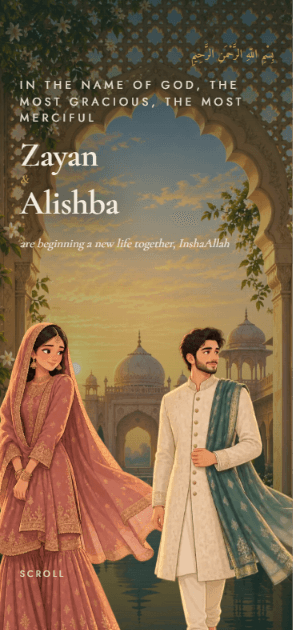
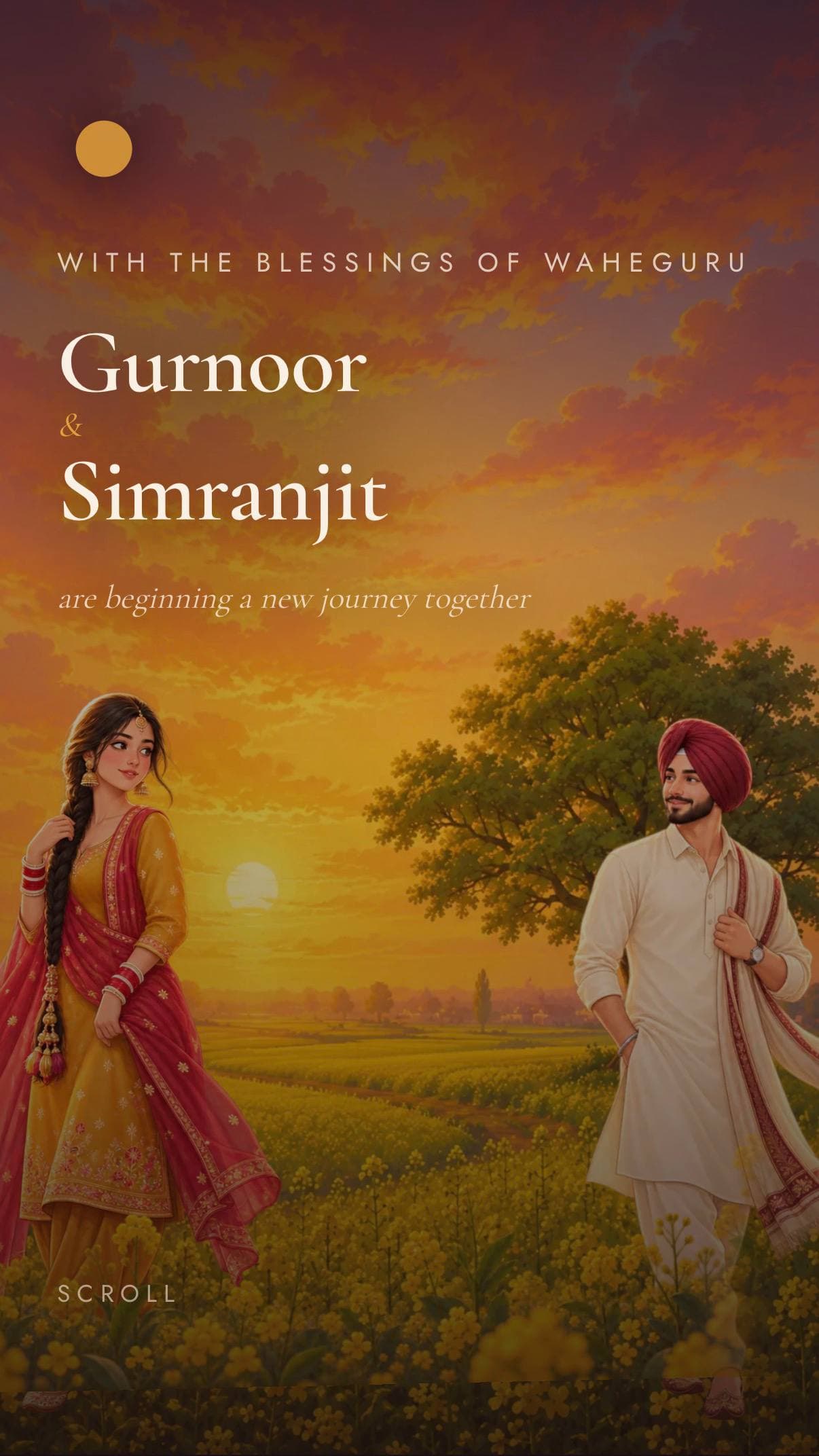


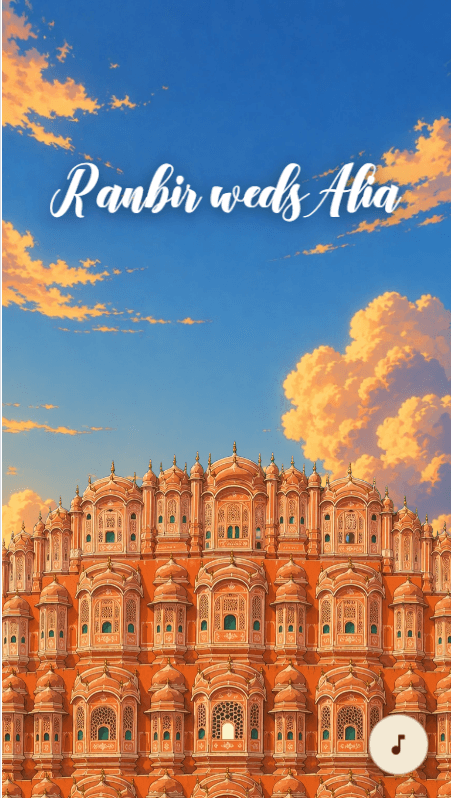
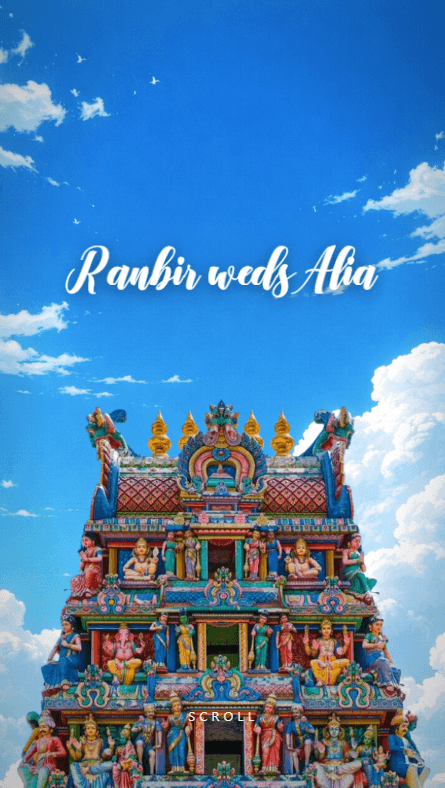

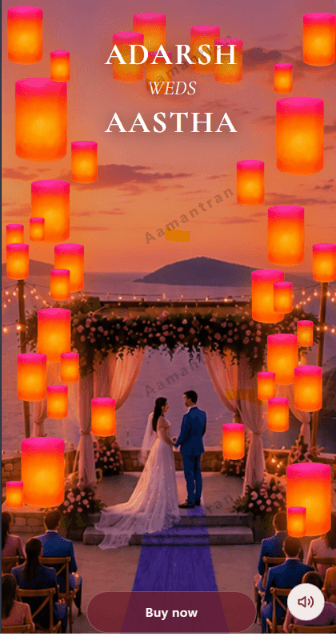
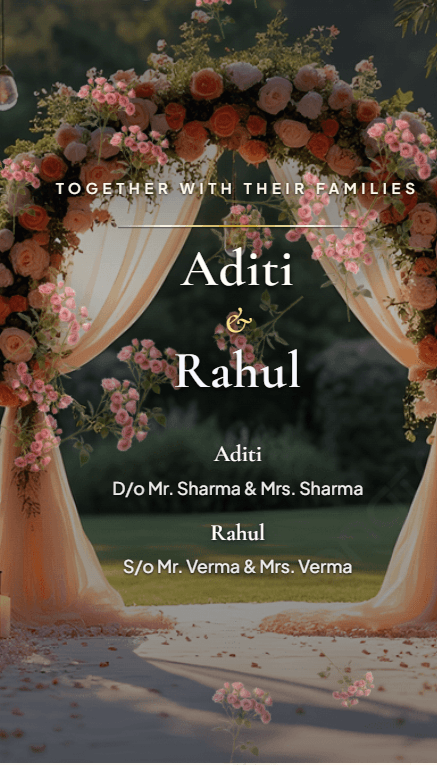
About these invites
An Indian wedding is rarely one afternoon. Haldi, mehendi, sangeet, the ceremony and the reception each have their own hour, their own venue and often their own guest list, which is more than a printed card can carry without a second card and a flurry of corrections afterwards. These invites hold every function on one link, so a guest can see exactly which events they are invited to and reply to each one separately.
What to have ready
You fill these in yourself, in the builder, after you buy. Nothing is needed before you choose an invite.
- The names to appear on the invitation, including both families. They lock once you confirm them at the first step.
- Each ceremony with its date, start time and venue, including the ones on the same day.
- Addresses or Google Maps links for each venue, so guests get directions in one tap.
- Photographs and, if the invite supports it, the music you would like playing.
Wording you can borrow
Every line of text on the invitation is yours to type, so nothing here is fixed by the invite. Adapt these or write your own.
Families inviting
Mr & Mrs Sharma request the honour of your presence at the wedding of their daughter Ananya to Rohan, son of Mr & Mrs Verma.
The couple inviting
Ananya and Rohan invite you to celebrate their wedding, with the blessings of their families.
Naming the ceremonies
Haldi at home on the 12th, sangeet that evening, and the wedding at the Palace Courtyard on the 14th. Details for each are inside.
What these invitations do
Every function on one link
Each ceremony carries its own date, time, venue and map pin, and guests reply to each independently — so you know eighty are coming to the sangeet and two hundred to the wedding, without running two guest lists.
A second link for a shorter guest list
When some guests are invited to the reception but not the wedding, you can publish a second link showing only those ceremonies. It is included, and you set it up yourself when you publish.
Dates move; the link does not
If a muhurat shifts or a venue changes, edit it in your dashboard and every guest holding the link sees the new details. Your invitation stays live until six months after your last event.
Questions people ask
Yes. When you publish, you can also create a second link that shows only the ceremonies you choose, for guests invited to the reception but not the wedding, say. It's included in the price, and you set it up yourself in the Preview & Publish step. Guests who open that link see, and RSVP to, only those ceremonies.
Guests open your link in their browser and tap RSVP. They tick the ceremonies they'll attend and can add plus-ones, a meal preference and a message. Responses appear in your dashboard straight away, with a headcount for each ceremony. You can switch RSVP off in the builder if you don't need it.
Most details, yes. Venues, ceremony dates and times, photos, music and other details can be edited from your dashboard at any time, and the live invitation updates straight away on the same link. Names are the exception: they lock once you confirm them at the first step, and a correction after that goes through a support ticket.
Change the ceremony dates in your dashboard. The update goes live straight away on the same link, your guest list and RSVPs are kept, and the date your invitation stays live until moves with the new dates.