
Popular
Anniversary Invites
- New
- New
- New
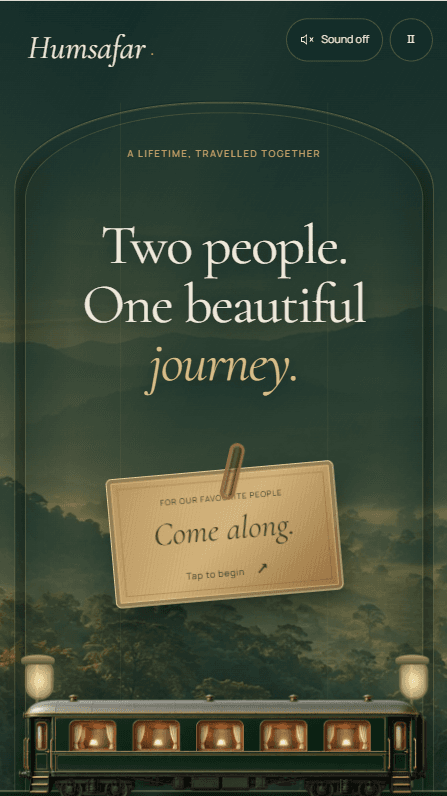
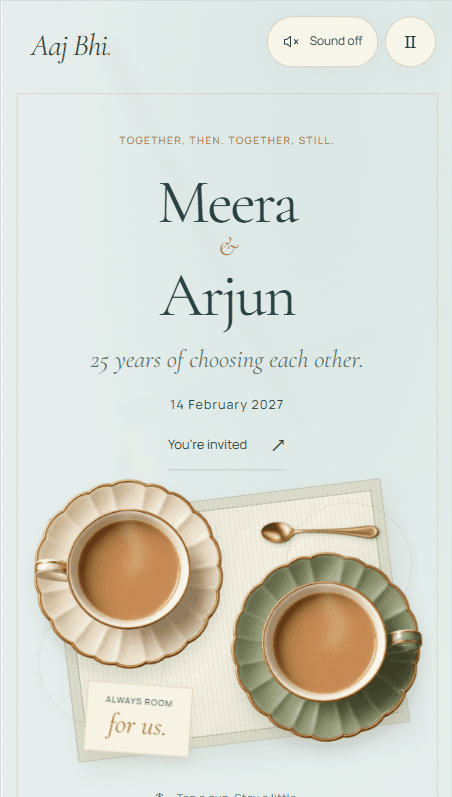
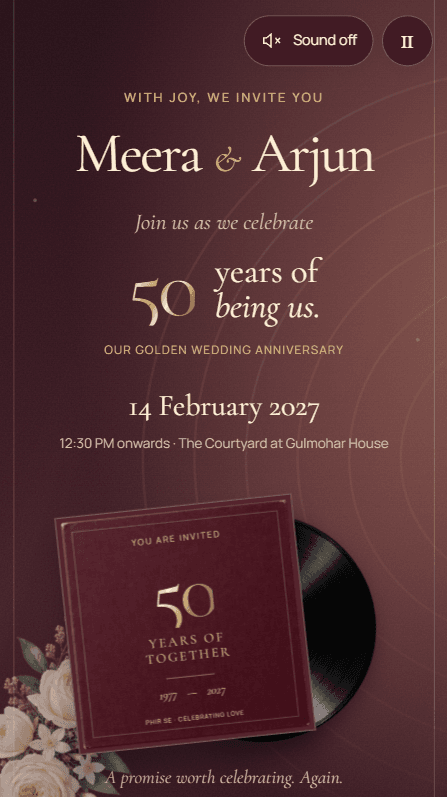
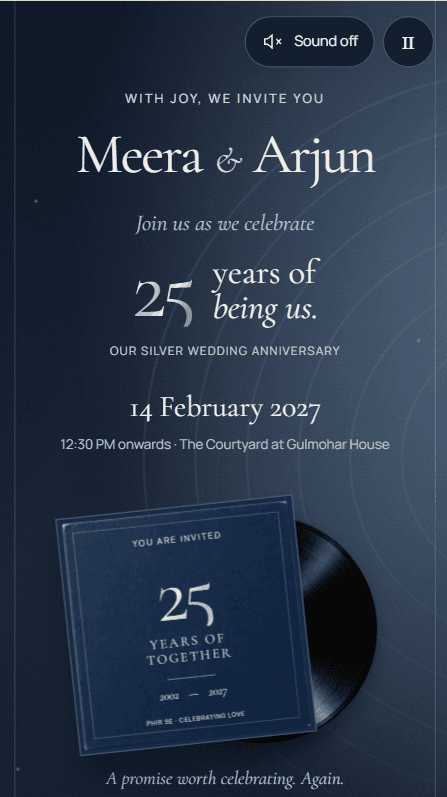
About these invites
Anniversary parties are usually arranged by somebody other than the couple: children hosting their parents, a family marking twenty-five or fifty years together. That changes who the invitation comes from and who guests reply to, and it often means inviting people who have known the couple for decades and are not on any recent guest list. A link can be forwarded through a family group and still look like an invitation rather than a message.
What to have ready
You fill these in yourself, in the builder, after you buy. Nothing is needed before you choose an invite.
- The names of the couple, and whose invitation it is — the couple’s own, or their family’s.
- The date, the time and the venue, with a Google Maps link if guests are travelling.
- Photographs worth showing, which for an anniversary often means older ones.
- Who guests should contact, if the couple are not the ones taking calls.
Wording you can borrow
Every line of text on the invitation is yours to type, so nothing here is fixed by the invite. Adapt these or write your own.
Children hosting
We invite you to celebrate the 50th wedding anniversary of our parents, Meera and Suresh Sharma, with dinner and music.
The couple hosting
Twenty-five years ago you watched us marry. Join us for an evening of dinner and old photographs.
A quiet gathering
A small lunch to mark forty years together. No gifts, only your company.
What these invitations do
The invitation comes from the hosts
Every line is yours to write, so the invitation can come from the children, the couple, or the whole family, and the names appear exactly as your family words them.
Guests who are not in your phone
Old friends and distant relatives are hard to reach by group message. One link works wherever you send it, opens in any browser, and needs no app or sign-up from your guests.
A headcount for the caterer
Guests reply on the invitation, and your dashboard keeps the running count with names, so the number you give the caterer is the number who said yes.
Questions people ask
No, you build it yourself. The guided builder takes you through each step, and our support team is there if you get stuck, but we don't fill in or design the invitation for you. Contact support
Guests open your link in their browser and tap RSVP. They tick the ceremonies they'll attend and can add plus-ones, a meal preference and a message. Responses appear in your dashboard straight away, with a headcount for each ceremony. You can switch RSVP off in the builder if you don't need it.
No. You pay once per invitation, with no subscription or renewal. Your invitation stays live until 6 months after your last event.
Your invitation stays live until 6 months after the date of your last event. If you move an event date, that end date moves with it.