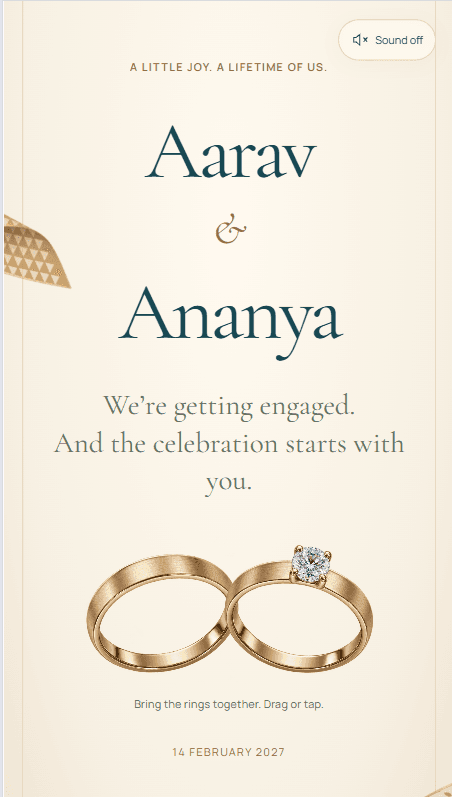
Trending
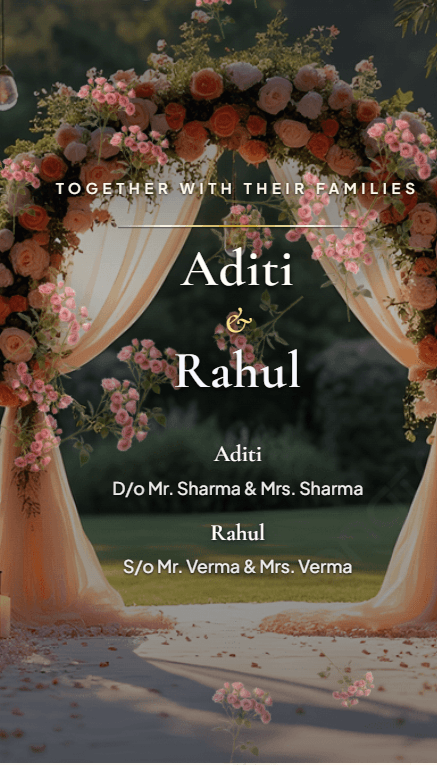
Floral Shower
Bought 37 times
- Wedding
A romantic wedding invitation with falling roses, a scratch-to-reveal date, beautiful photos, music, and a live countdown.
- Countdown
- Photo gallery
- Background music
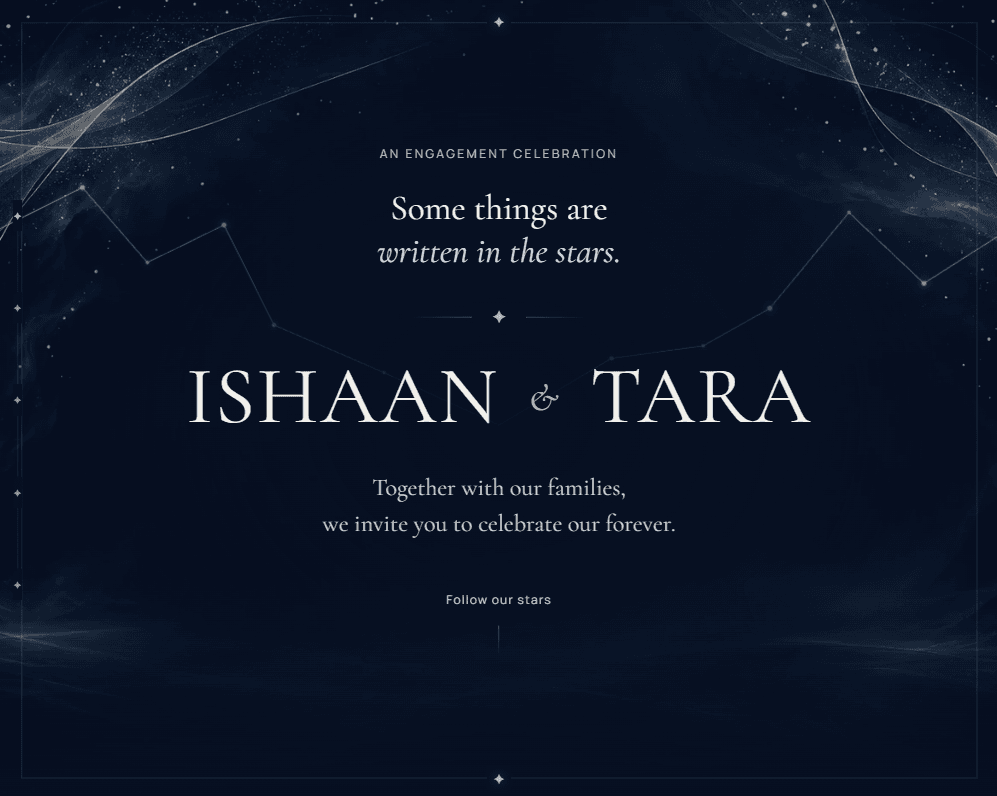

The demo is this invite filled with sample details, watermarked. Yours carries your own names and ceremonies.
A dreamy celestial wedding invitation with glowing stars, animated skies, magical transitions, and wishes that become part of your universe.
One payment. No subscription, no renewal.
Buy this inviteEnter the names, the date, the venue and the events, and see this invite filled in with them. Free, with no account and no email address.
Sitaare is a dreamy, star-inspired digital wedding invitation designed around the idea that, among countless stars, two people were meant to find each other. The experience opens with an interactive star-shower moment and gradually unfolds into a glowing celestial celebration filled with animated skies, sparkling stars and elegant transitions. Each section feels like another chapter in your love story, creating an invitation that guests experience rather than simply read. A special wishes section turns messages from friends and family into stars, making every blessing feel like a part of your own little universe. Romantic, modern and immersive, Sitaare is perfect for couples looking for something magical and different from a traditional wedding invite. Fully customizable with your names, wedding details, functions, photos and personal touches.
Read from this invite itself, so it matches what you receive.
No reviews for this invite yet. Reviews come from couples who bought it and finished their event.
Bought 37 times
A romantic wedding invitation with falling roses, a scratch-to-reveal date, beautiful photos, music, and a live countdown.
Bought 27 times
A minimal golden Save the Date invitation with delicate line accents, blending modern elegance, luxury, and timeless romantic charm.
A vibrant wedding invitation with playful illustrations, lively transitions, and festive charm, capturing the joyful energy of Indian celebrations.
You confirm the names on your invitation at the first step of the builder, and they lock after that so they can't be changed by accident. Optional names, such as extended family, can still be edited. If a confirmed name needs correcting, raise a support ticket from your dashboard.
No, you build it yourself. The guided builder takes you through each step, and our support team is there if you get stuck, but we don't fill in or design the invitation for you. Contact support
Your invitation is live as soon as you publish it. How long it takes to get there depends on how much you add; most couples need about 15 minutes once their details are ready.
Most details, yes. Venues, ceremony dates and times, photos, music and other details can be edited from your dashboard at any time, and the live invitation updates straight away on the same link. Names are the exception: they lock once you confirm them at the first step, and a correction after that goes through a support ticket.
Your invitation stays live until 6 months after the date of your last ceremony. If you move a ceremony date, that end date moves with it.
No. You pay once per invitation, with no subscription or renewal. Your invitation stays live until 6 months after your last ceremony.
Yes. When you publish, you can also create a second link that shows only the ceremonies you choose, for guests invited to the reception but not the wedding, say. It's included in the price, and you set it up yourself in the Preview & Publish step. Guests who open that link see, and RSVP to, only those ceremonies.
How setting up works · What you can change later · Every question