
Popular
Engagement Invites
Modern & universal: 5 invites
- New
- New
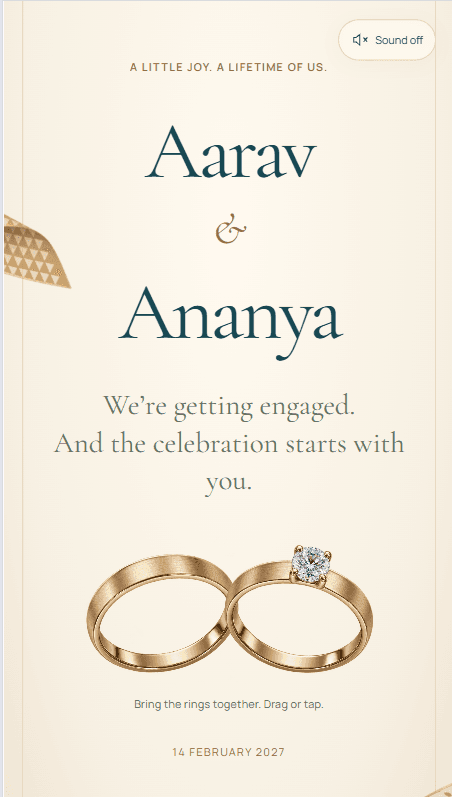
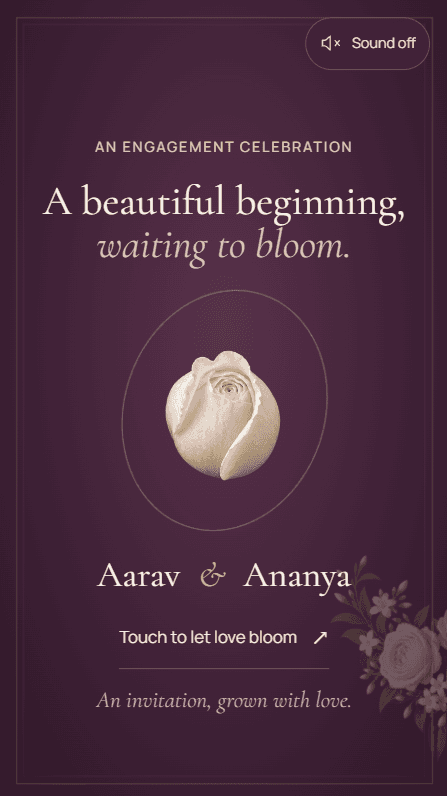

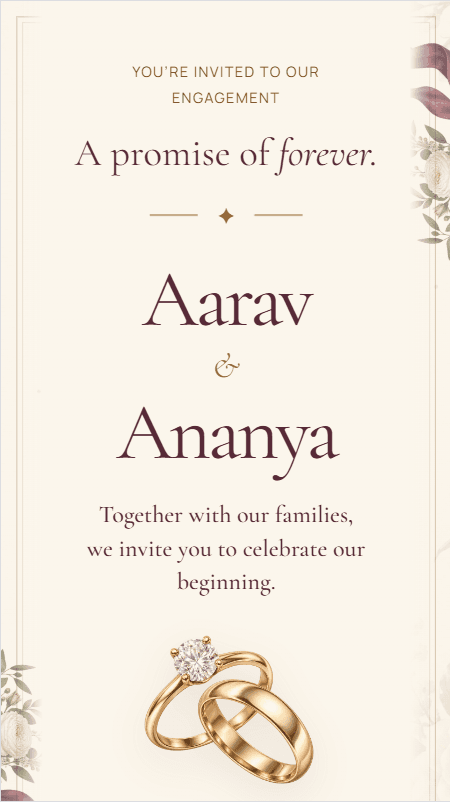

About these invites
An engagement is usually the first evening both families sit together as one guest list, and it is often arranged in a fortnight: a date is fixed, a hall is held, and the invitation has to go out that week. A link is quicker than a card and easier to correct — send it the day you decide, and if the hall or the hour changes, everyone who has it sees the change. These invites are built for one evening rather than a week of ceremonies, so the three things a guest needs, where, when and who to tell, sit on a single screen.
What to have ready
You fill these in yourself, in the builder, after you buy. Nothing is needed before you choose an invite.
- The names as they should appear on the invitation, including how the families are named. You confirm these at the first step and they lock afterwards.
- The date and the time guests should arrive, which is often earlier than the ring ceremony itself.
- The venue name and address, or a Google Maps link, which fills in the location for you.
- Any photos you would like inside, if the invite you choose has space for them.
Wording you can borrow
Every line of text on the invitation is yours to type, so nothing here is fixed by the invite. Adapt these or write your own.
Both families inviting
Mr & Mrs Sharma, together with Mr & Mrs Verma, request the pleasure of your company at the engagement ceremony of Ananya and Rohan.
The couple inviting
We are getting engaged, and we would love you there. Join Ananya and Rohan for an evening of dinner and dancing.
Roka or sagai
With the blessings of our elders, we invite you to the roka ceremony of Ananya and Rohan, followed by lunch.
What these invitations do
One evening, one screen
An engagement rarely needs a week of separate cards. The arrival time, the venue, the dress code if there is one, and the RSVP all sit together, so nobody has to scroll for the part that matters to them.
Roka, sagai or engagement — your wording
Families name this evening differently, and some open with an invocation or name elders before the couple. Every line of text is yours to type, so the form your family uses is the form that appears.
Numbers before the caterer asks
Guests reply on the invitation itself, and your dashboard shows the count as replies arrive, with each guest’s name. For a single evening that is usually the only number you need.
Change it after you have sent it
Engagement details move more often than wedding ones. Edit the venue, the time or the photographs from your dashboard and the same link shows the new version — no second message correcting the first.
Questions people ask
No, you build it yourself. The guided builder takes you through each step, and our support team is there if you get stuck, but we don't fill in or design the invitation for you. Contact support
Guests open your link in their browser and tap RSVP. They tick the ceremonies they'll attend and can add plus-ones, a meal preference and a message. Responses appear in your dashboard straight away, with a headcount for each ceremony. You can switch RSVP off in the builder if you don't need it.
Most details, yes. Venues, ceremony dates and times, photos, music and other details can be edited from your dashboard at any time, and the live invitation updates straight away on the same link. Names are the exception: they lock once you confirm them at the first step, and a correction after that goes through a support ticket.
Your invitation stays live until 6 months after the date of your last event. If you move an event date, that end date moves with it.